What is a Smart Light Switch and How Does It Work?
Smart Light Switches are changing how we manage lighting in our homes. They are not just devices; they represent a leap into the future of smart home technology. With a Smart Light Switch, you can control your lights with your voice, smartphone, or even automated settings. Imagine entering a room, and the lights turn on automatically. That’s the convenience a Smart Light Switch can offer.
These switches connect to your Wi-Fi, allowing remote access. They can be programmed to adjust lighting based on your daily routine. However, not all switches are created equal. Some may require a hub, while others connect directly to your Wi-Fi network. This can be confusing for users.
Despite the benefits, there can be challenges. Installation may not always be straightforward. Some may find the app interface difficult to navigate. Moreover, connectivity issues can sometimes disrupt the system. A Smart Light Switch can enhance your living environment but may come with a learning curve. Embracing this technology means being open to both its benefits and its quirks.
What is a Smart Light Switch?
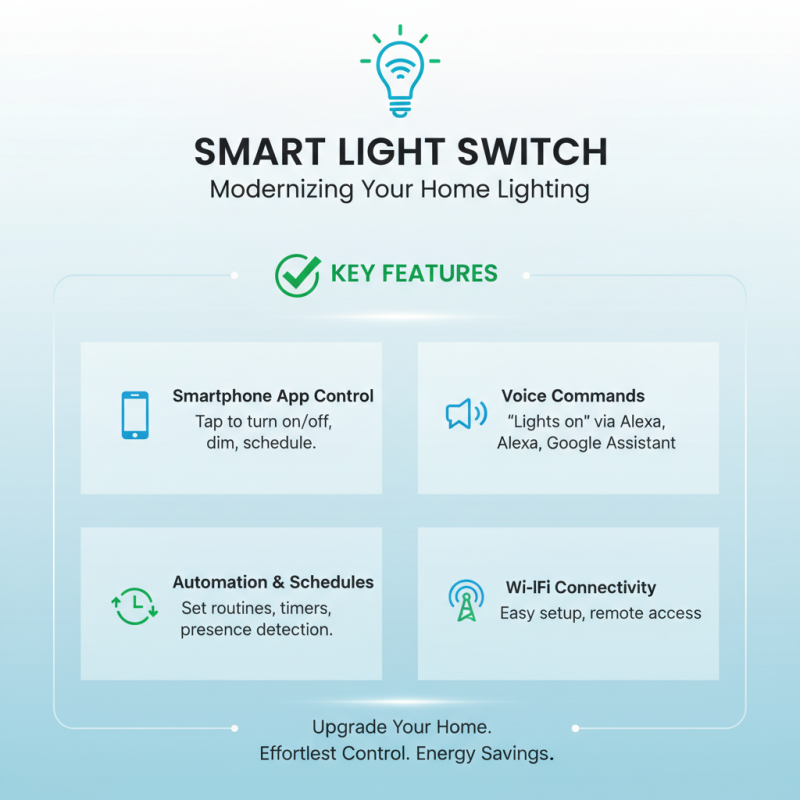
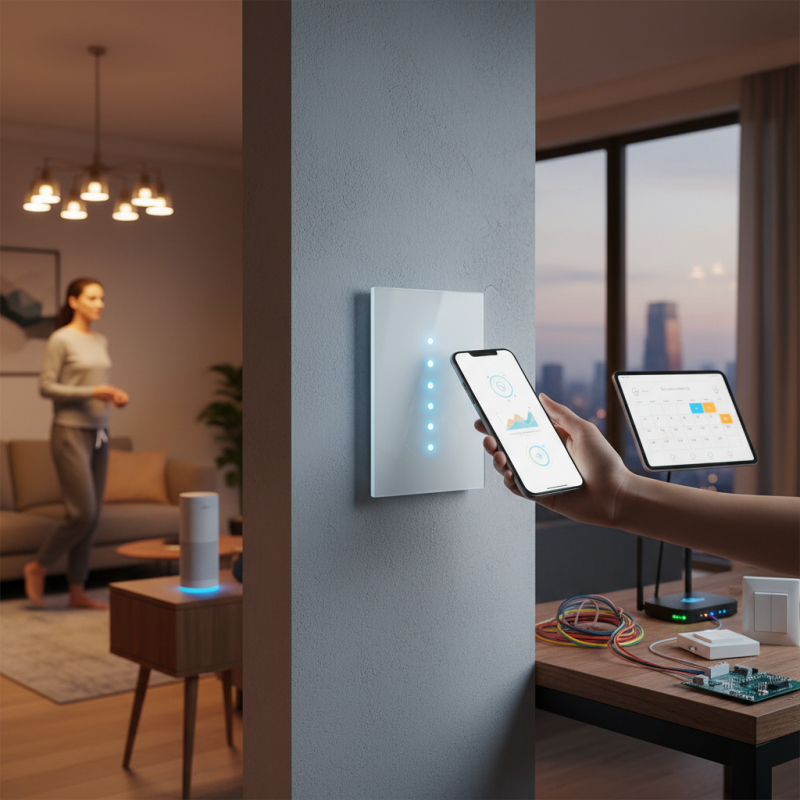
A smart light switch is an innovative device that allows you to control your home's lighting through various methods. Unlike traditional switches, these devices often connect to your Wi-Fi network. You can operate them using a smartphone app, voice commands, or even via automation routines. Imagine walking into a dark room and simply saying, “Lights on.” The switch answers your call, illuminating your space instantly.
These switches often come with added features. They can dim the lights or change colors depending on your mood. This flexibility can enhance your home environment significantly. However, installation may not always be straightforward. Some users find the setup process frustrating. If you’re not tech-savvy, this could be a challenge.
Despite their benefits, some people question the need for smart switches. Do they truly improve daily life? Or are they just a novelty? Costs can also be a factor. Though they offer convenience, the expenses may not suit everyone. Reflecting on these aspects is essential before making a decision.
Key Features of Smart Light Switches
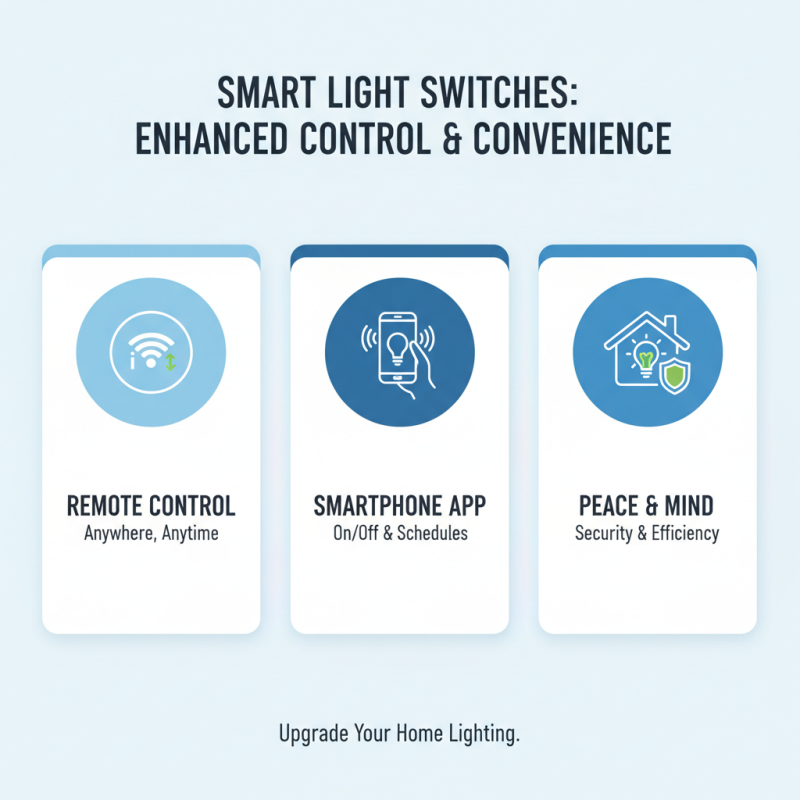
Smart light switches come with various features that enhance the user experience. They allow for remote control of lighting from anywhere. With a smartphone app, users can turn lights on or off, even when not at home. This functionality adds convenience and peace of mind.
Many smart switches integrate with voice assistants. Simple commands like "turn on the living room lights" activate the switch. This hands-free capability is a game changer for busy households. Furthermore, some models include customizable schedules. Users can program lights to turn on at sunset or off at bedtime.
While smart light switches are innovative, they can be tricky to set up. Installation may require a neutral wire, which older homes might lack. Users might also face connectivity issues with Wi-Fi. Some people enjoy the tech aspect, while others find it frustrating. The blend of convenience and complexity is something to consider before installation.
How Smart Light Switches Work: Technology Behind Them
Smart light switches are integral to modern home automation. They operate using wireless communication protocols like Wi-Fi or Zigbee. This allows users to control lighting remotely via smartphone apps or voice commands. According to a recent market report, the smart lighting market is expected to exceed $70 billion by 2027, driven by consumer demand for energy-efficient solutions.
The technology behind smart light switches often includes features like scheduling, dimming, and energy monitoring. Sensors analyze usage patterns. This aids in optimizing energy consumption. Yet, many users experience challenges. Connectivity issues can arise, especially in older homes with outdated wiring. Users may forget to update firmware, leading to malfunctioning devices. In fact, a surprising 30% of smart lighting systems fail to reach their full potential due to lack of user knowledge.
Moreover, installation can seem daunting to some. The thought of dealing with electrical setups is intimidating. Many users are hesitant and might even struggle to follow basic instructions. Moreover, while smart light switches offer convenience, some may find them overhyped. Simple issues, like app compatibility, can frustrate users. These reflections highlight the room for improvement in user education and technology integration.
Installation Process for Smart Light Switches
Installing a smart light switch can seem daunting, but it’s easier than you might think. Smart light switches connect your home's lighting to your smartphone and enhance control over your environment. According to a report by MarketsandMarkets, the smart lighting market is predicted to grow significantly in the coming years. This indicates a rising trend in home automation.
Before starting, ensure you turn off the power at the circuit breaker. Safety is crucial. Remove the existing switch carefully. Identify the wires: typically, there are three types – live, neutral, and ground. Connect the smart switch to the corresponding wires. It’s essential to follow the instructions closely during this process. Make sure everything is secure; loose wiring can cause malfunctions.
Tip: Take pictures of the original wiring setup. This can help you remember how to reconnect everything if you run into trouble. Sometimes, homeowners mistakenly connect wires incorrectly, leading to flickering lights or non-functioning switches. After securing everything, restore power and set up the switch through its corresponding app.
Finally, test the feature for whole-home control. If the switch isn’t functioning as expected, check your connections again. Small mistakes can create irritation. Taking a step back and reviewing your process can offer clarity.
Smart Light Switch Features Comparison
This chart compares various features of smart light switches based on user preferences and functionality. The data represents the perceived importance of features such as Voice Control, Remote Access, Energy Monitoring, Compatibility with Devices, and Scheduling.
Benefits of Using Smart Light Switches in Your Home
Smart light switches bring convenience to home lighting. They allow you to control lights with your smartphone or voice commands. With this technology, you can set schedules for when your lights turn on or off. Imagine coming home to a well-lit house without fumbling for switches.
One notable benefit is energy efficiency. Smart switches help reduce energy consumption. They can be programmed to turn off lights when no one is around. This can lead to noticeable savings on electricity bills. Also, you can adjust brightness levels to suit your mood. A dimmer setting may work well for a cozy evening.
Here’s a tip: when installing smart light switches, ensure compatibility with your existing wiring. Some homes may have older systems that might not work with new models. It's essential to check the technical specifications before making a purchase. Another idea is to integrate them with smart home ecosystems. This can enhance your control over lighting combinations and settings.
What is a Smart Light Switch and How Does It Work? - Benefits of Using Smart Light Switches in Your Home
| Feature |
Description |
Benefits |
| Remote Control |
Allows users to control lights from their smartphone or tablet. |
Convenience of turning lights on/off remotely, even when not at home. |
| Scheduling |
Users can set timers and schedules for their lights. |
Helps automate lighting and enhance security by simulating occupancy. |
| Voice Control |
Compatible with smart home assistants for voice commands. |
Hands-free operation for ease of use. |
| Energy Monitoring |
Tracks energy usage and savings. |
Helps in managing energy costs by providing insights on usage. |
| Integration |
Works with various smart home systems and devices. |
Enhances the overall smart home experience. |